Referrals Medicare can fund, straight from Coreplus
Refr connects to Coreplus to pull patient details automatically, so you can send a refr in less than 60 seconds. You add your clinical notes in Refr.
How Refr works with Coreplus
Refr connects to Coreplus so patient details flow into your referrals, and reports and rebookings flow back, without breaking your existing workflow.
Patient details auto-fill
Pull patient contact information and demographics directly from Coreplus.
You add the clinical notes
Coreplus passes the patient’s details to Refr; you add the clinical reasoning in Refr before you send.
Referrals in minutes
Skip the patient re-keying. Look up a Coreplus patient in Refr, add your reasoning, and send your refr.
Rebooks with you
After the scan or specialist visit, patients are rebooked into your Coreplus calendar, not lost downstream.
Step-by-step setup
Set up your Coreplus connection
Follow these steps to connect Coreplus to Refr. Takes about two minutes. Coreplus is only onboarding a small number of clinics for now: request access from the Integrations page in Refr, and we’ll work with Coreplus to get your clinic connected.
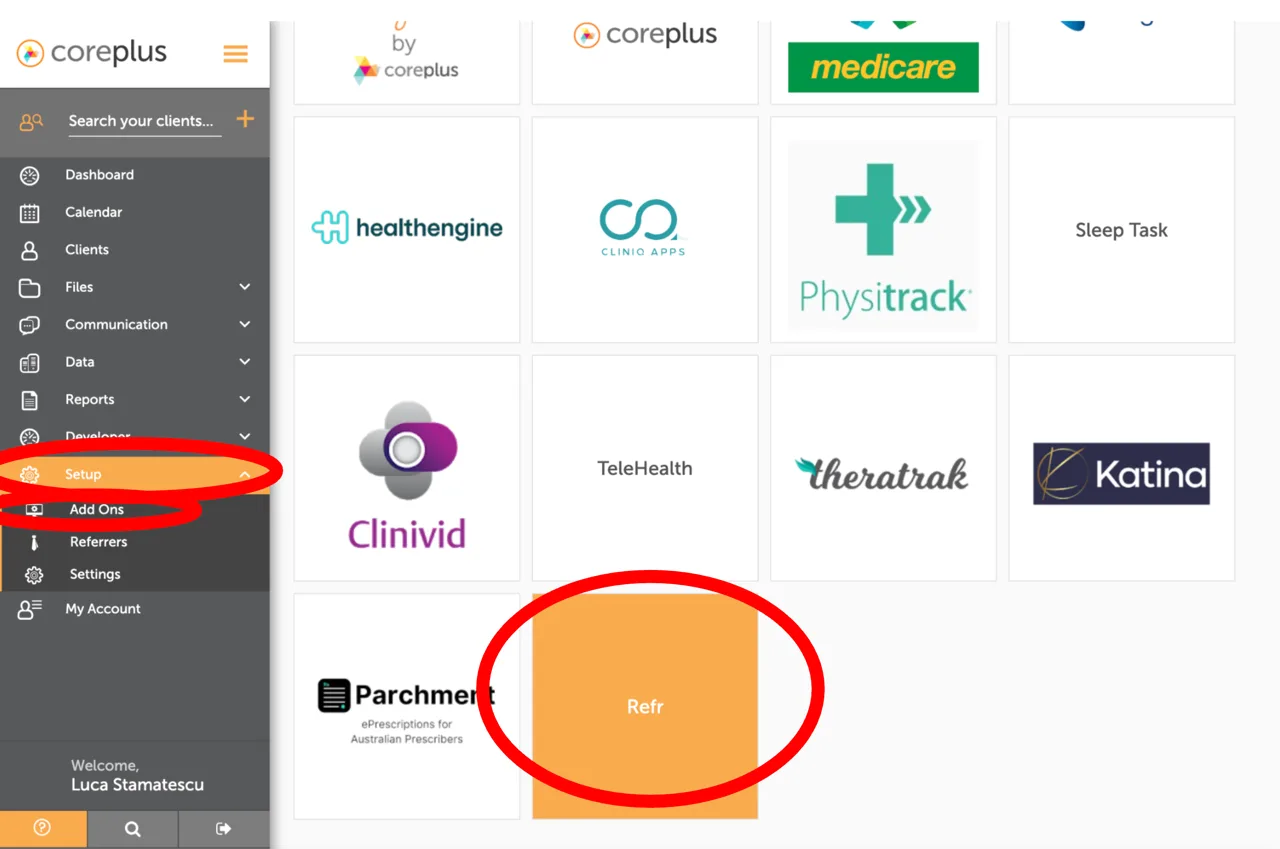
Step 1 of 5
Open the Refr add-on
- In Coreplus, click "Setup" in the left menu, then "Add Ons".
- Find the "Refr" tile and click it.
Less admin. More care.
Once Coreplus is connected, every refr starts with a patient lookup. No copy-pasting the patient’s details, no typos.
- Search any Coreplus patient from inside Refr
- Patient demographics pre-filled in the referral form
- Add your clinical notes in Refr and send
- Referrals Medicare can fund, plus the clinics that bulk bill them
- Signed e-referral delivered to the patient in minutes
- Reports and letters returned to your inbox
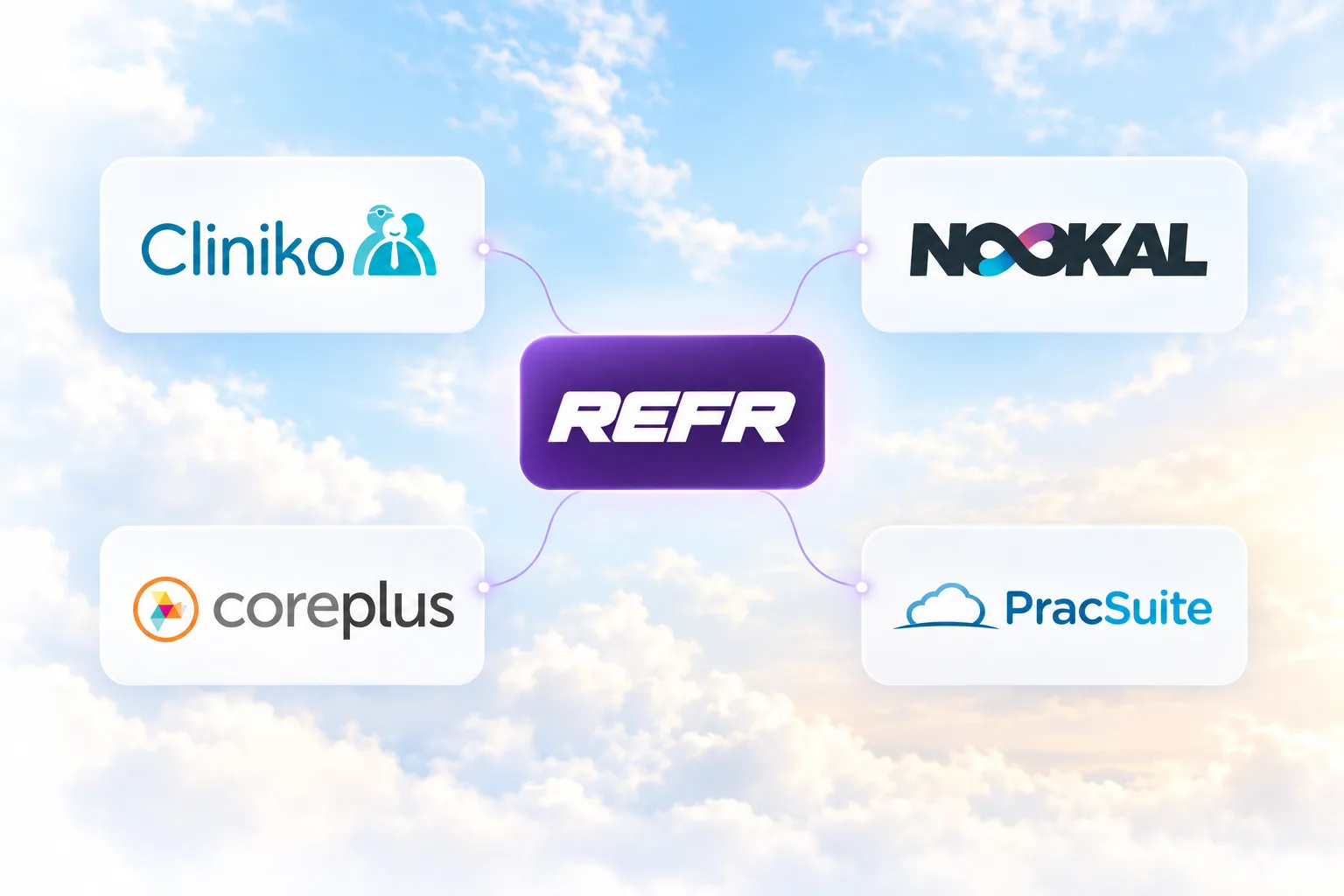


Connect Coreplus and send your first referral today
Two-minute setup. Referrals Medicare can fund in under 60 seconds. $59 platform charge ($149 specialist-signed).